What does the StarRupture map show?+
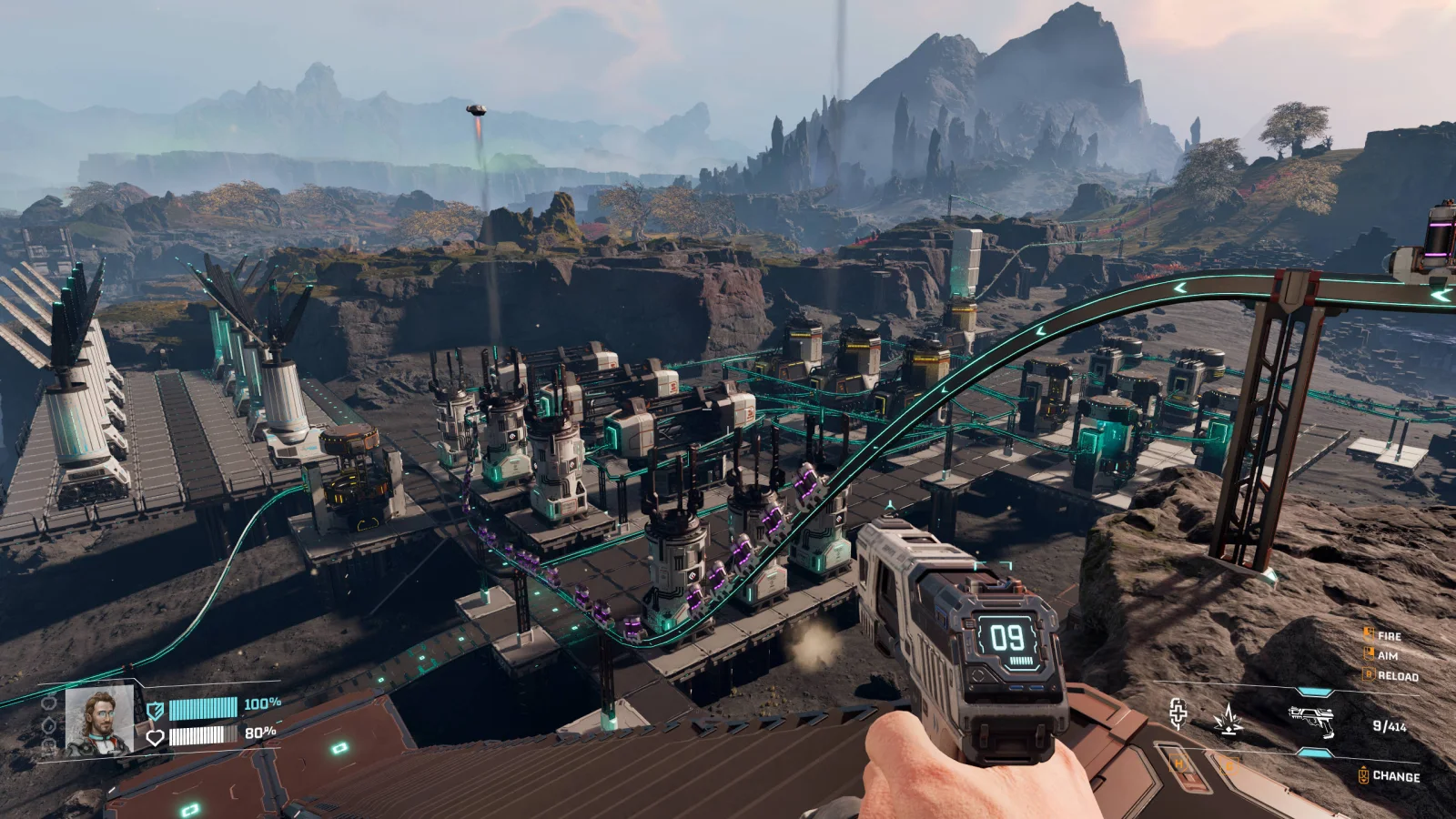
Factory Map turns your imported StarRupture save into an interactive map of your factory. Find buildings and Cores, follow cargo connections, and inspect production capacity, power networks, and Core heat. Import a newer save to refresh your map.
Does the map contain spoilers?+
Spoiler-free: a map of your factories from your save, not the game world. No hidden locations or points of interest are revealed.
What does the StarRupture calculator do?+
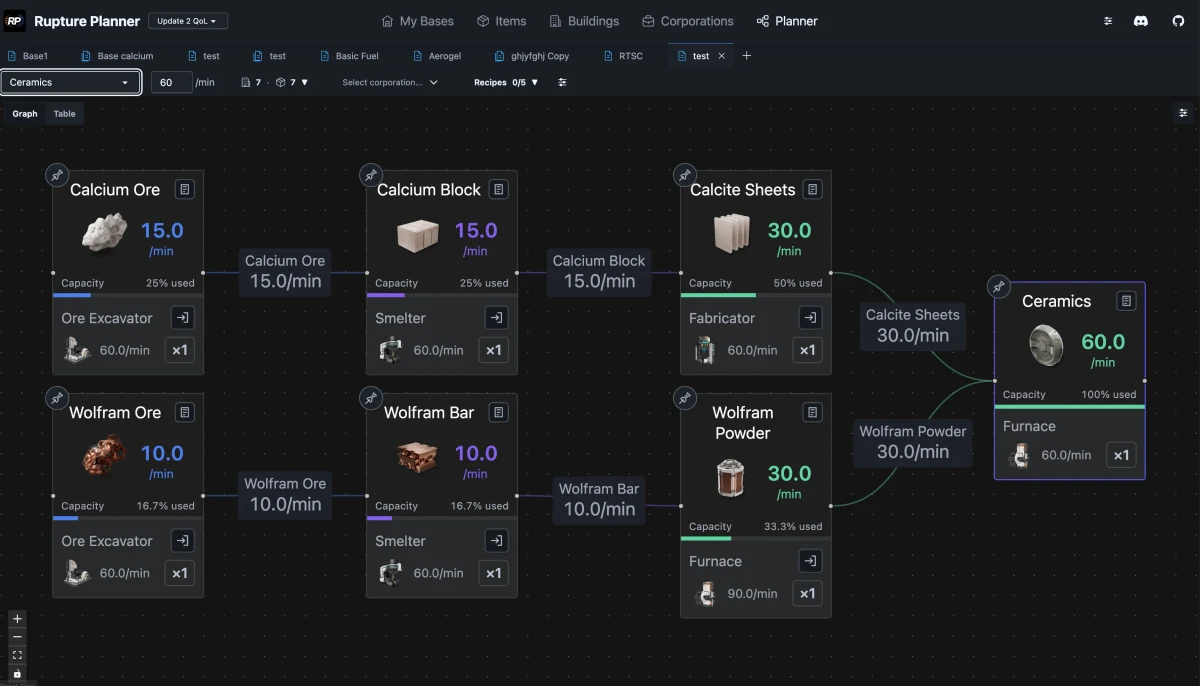
The StarRupture (Star Rupture) calculator turns target items and output per minute into a production chain. It shows the raw materials, crafting recipes, building counts, and power needed for your plan.
Which tool should I use: Factory Map or Planner?+
Use Factory Map to explore buildings, cargo connections, power networks, and Core heat from your imported save. Use Planner to calculate production chains and compare recipes for your next build.
Do I need an account?+
No account, no subscription. Open a tool and start planning. Rupture Planner is free and open source.
Where are my plans saved?+
Your plans and imported factory data stay in this browser. Export a backup of your plans in Global settings, and keep your original .sav file to import your factory again.
Can I choose my game version?+
Yes. Use the version selector in the tool’s header to match your StarRupture game data. Changing the interface language keeps game item and building names unchanged.